Cheating During Testing Safe Windows Guide
Learn a repeatable look-check-act rhythm for safer teacher windows in Cheating During Testing Roblox without fixed timing myths.
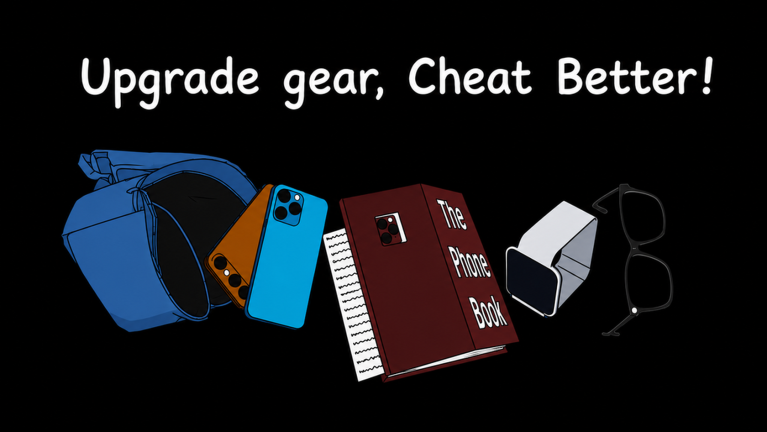
Use Look, Check, Act, Reset
The reliable pattern is state-based rather than timer-based:
- Look: move attention back to the teacher.
- Check: confirm the away state instead of predicting it.
- Act: take one short action.
- Reset: return attention to the teacher before the next action.
Why Fixed Timing Charts Fail
Published clips may come from a different beta build, device, connection, or animation path. A timing chart can also hide what happened just before the clip. Treat exact intervals as community observations, never as guaranteed official mechanics.
What Makes a Window Riskier?
- Beginning an action before the state is visually clear.
- Chaining several inputs without checking again.
- Ignoring an animation that delays when the action ends.
- Copying a teammate’s rhythm even though your latency differs.
- Continuing after an interruption or teacher turn.
How to Practice
Open the safe-window timing trainer, start on Normal, and stop the drill if you make repeated guesses. After a clean run, try Hard. The simulated intervals are randomized practice values, not extracted game data.
Source Boundary
Teacher avoidance and timed tests are confirmed by the official Roblox listing. The four-step method on this page is editorial guidance based on the confirmed loop.
Related Articles
guides
Cheating During Testing Roblox Answers and Sheet Strategy
A practical answer-sheet strategy for Cheating During Testing Roblox, including why copied answer lists can fail during beta.
tools
Cheating During Testing Safe Window Timing Trainer
Practice reading teacher states and acting only during safe windows in this free Cheating During Testing Roblox timing drill.
guides
Cheating During Testing Roblox Beginner Guide
A concise beginner guide to tests, Credits, gadgets, Anxiety, snitches, and teamwork in Cheating During Testing Roblox.
Was this helpful?
Thanks for the feedback!